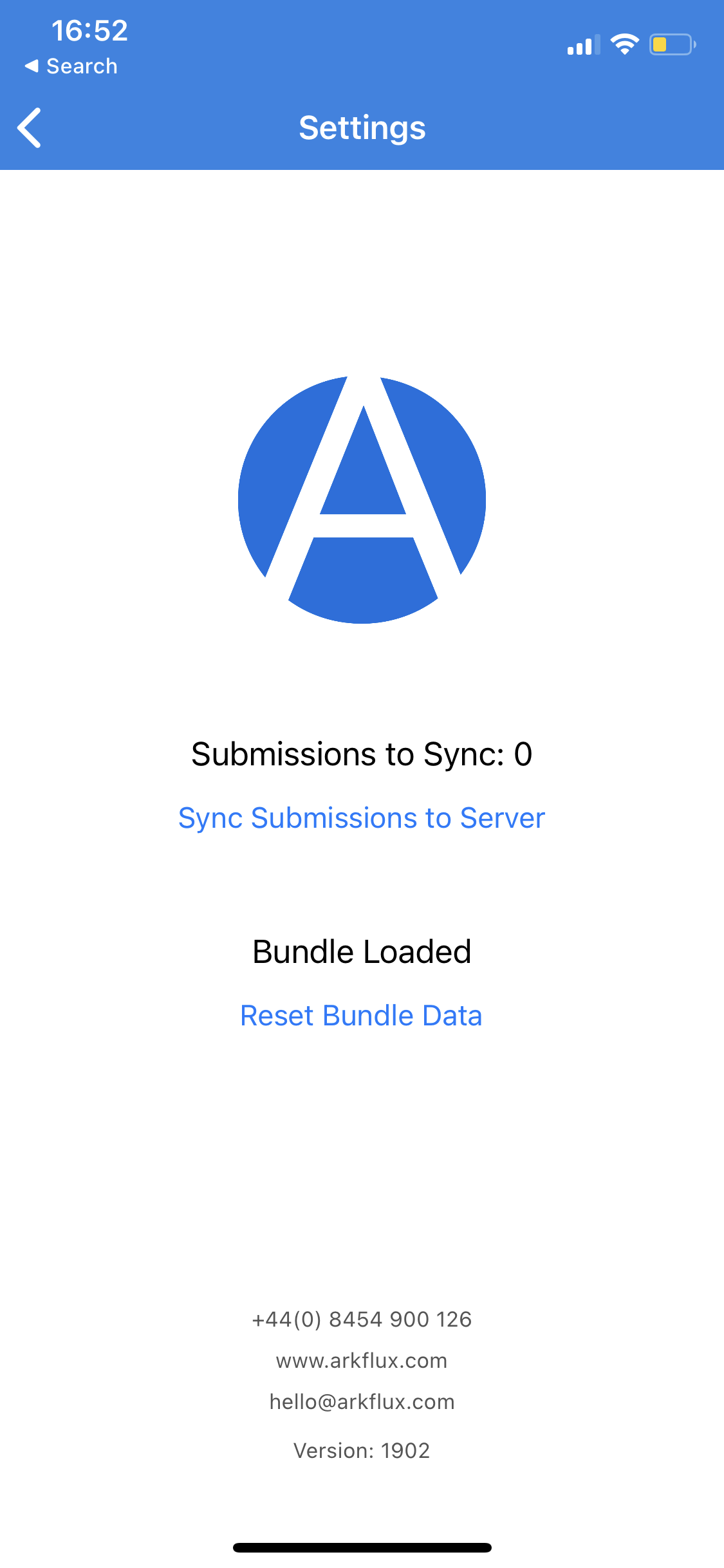
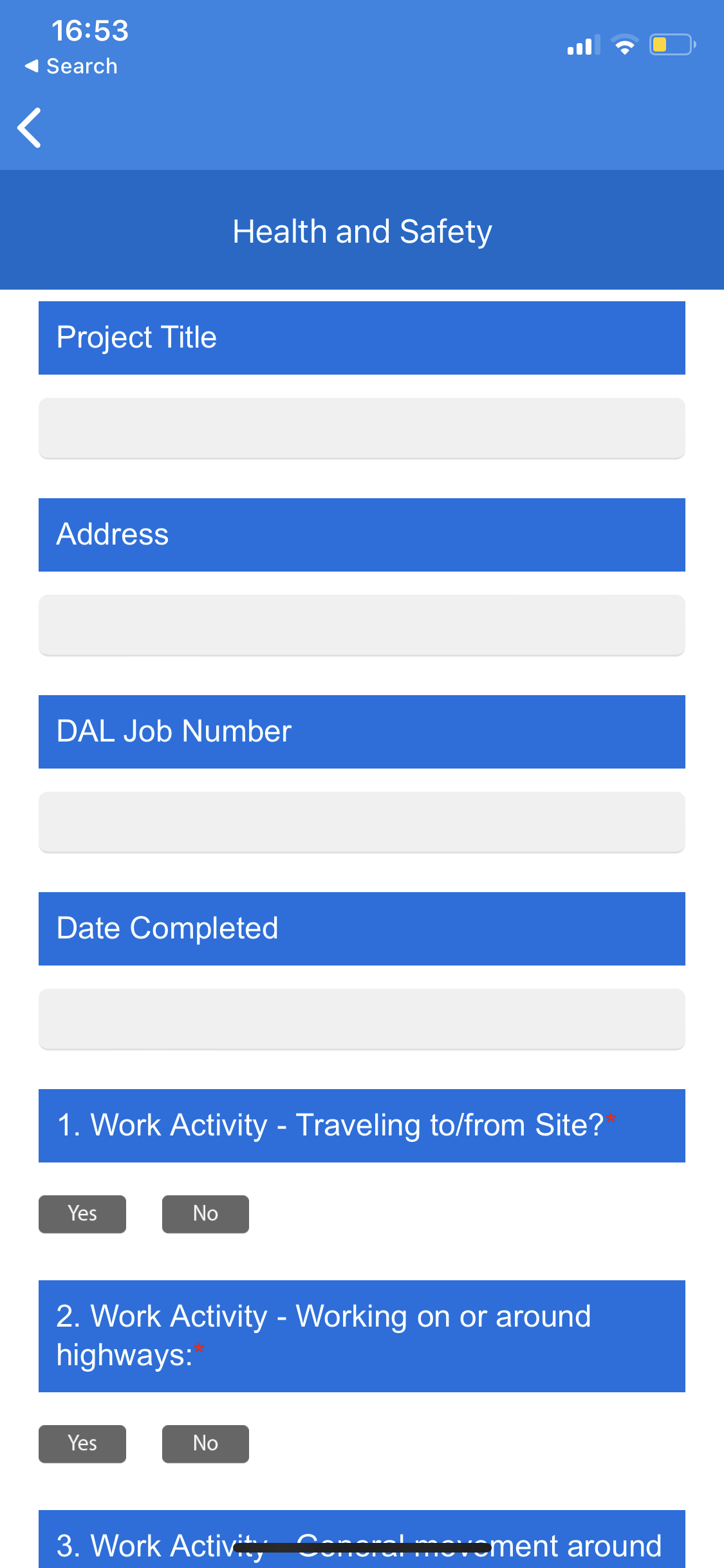
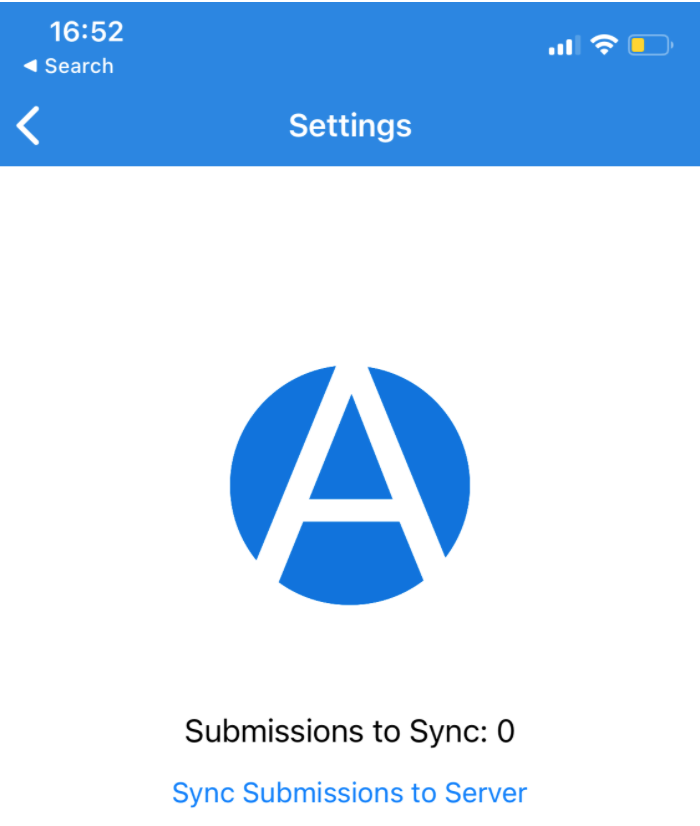
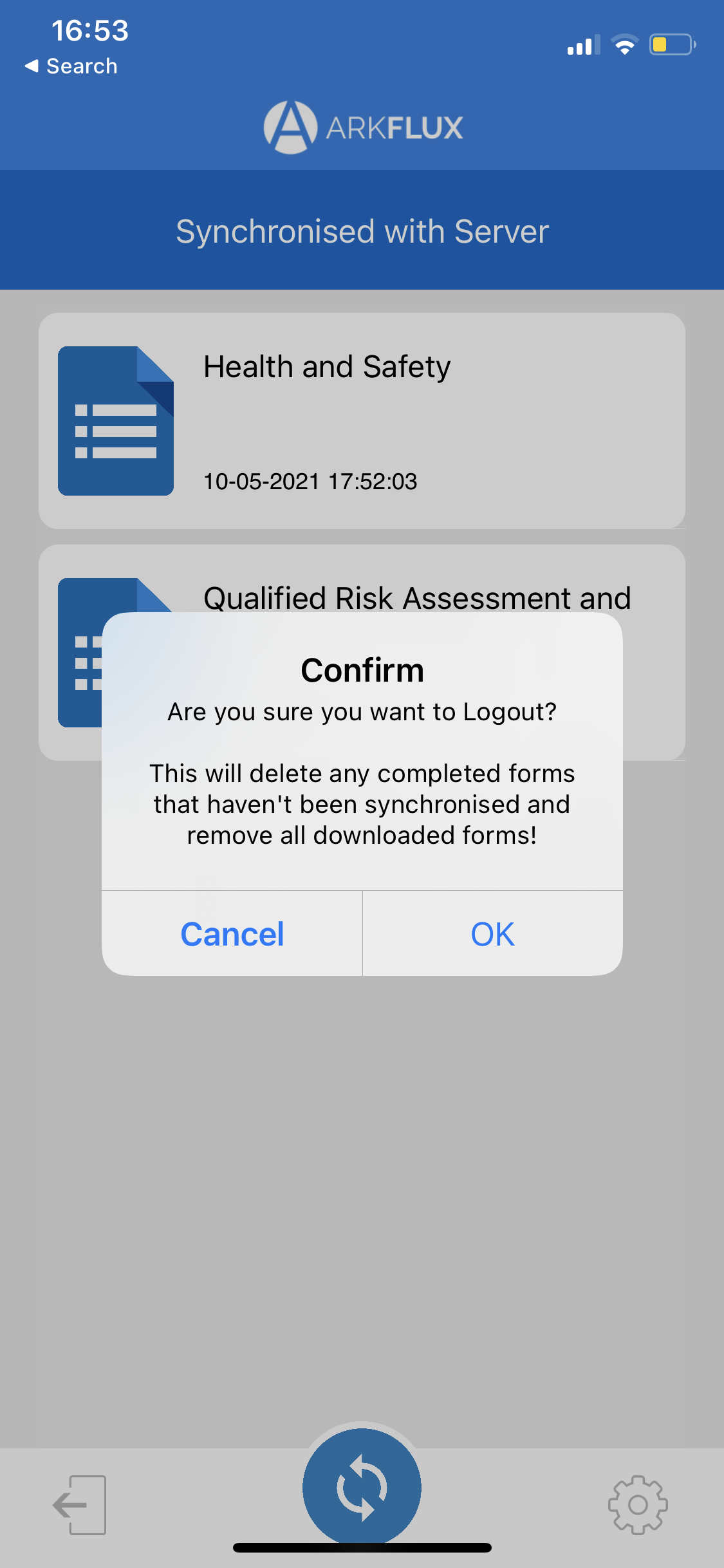
Upon the first download of the app, when the first form or survey is added, the format will not look to be laid out correctly. To rectify this, click the cog icon at the bottom right of the screen and then click 'Reset Bundle Data' in blue. This will then show the form or survey correctly on the screen. |